How to Use ScreenshotAPI for Competitor Tracking

Written By Hanzala Saleem
Updated At July 30, 2026 | 4 min read
Written By Hanzala Saleem
Updated At July 30, 2026 | 4 min read
Competitor tracking with a screenshot API means capturing competitors' public pages on a schedule, then comparing each new capture to the last to detect pricing, offer, and design changes. ScreenshotAPI automates this by capturing any public URL and saving each image so you can compare over time.
If you want to win at business, you need to stand out from the crowd. Your offer needs to be flashier, better, and meet your customers’ needs faster than your competition’s offers.
So, how do you know what to cook up next? You analyze what your competitors are doing to attract customers and how they sell their products.
The best way to do this is through competitor analysis. Fortunately, you don't have to do it manually. ScreenshotAPI automates competitor tracking by capturing any public URL on a schedule, so you replace manual checks with a repeatable capture-and-compare workflow. For the production version of this setup, with Python and Node.js implementations and error handling, see the full automated competitor monitoring build.
In a competitive market filled with similar products, the price can often decide when a customer buys a product. Simply put, you should make sure that your products are competitively priced.
This is where automated screenshots with ScreenshotAPI can be invaluable, as they can give you insights into your competitors’ pricing strategies. If you schedule regular captures, you get a timestamped image each time the schedule runs, so you can detect pricing changes on your chosen cadence rather than by chance.
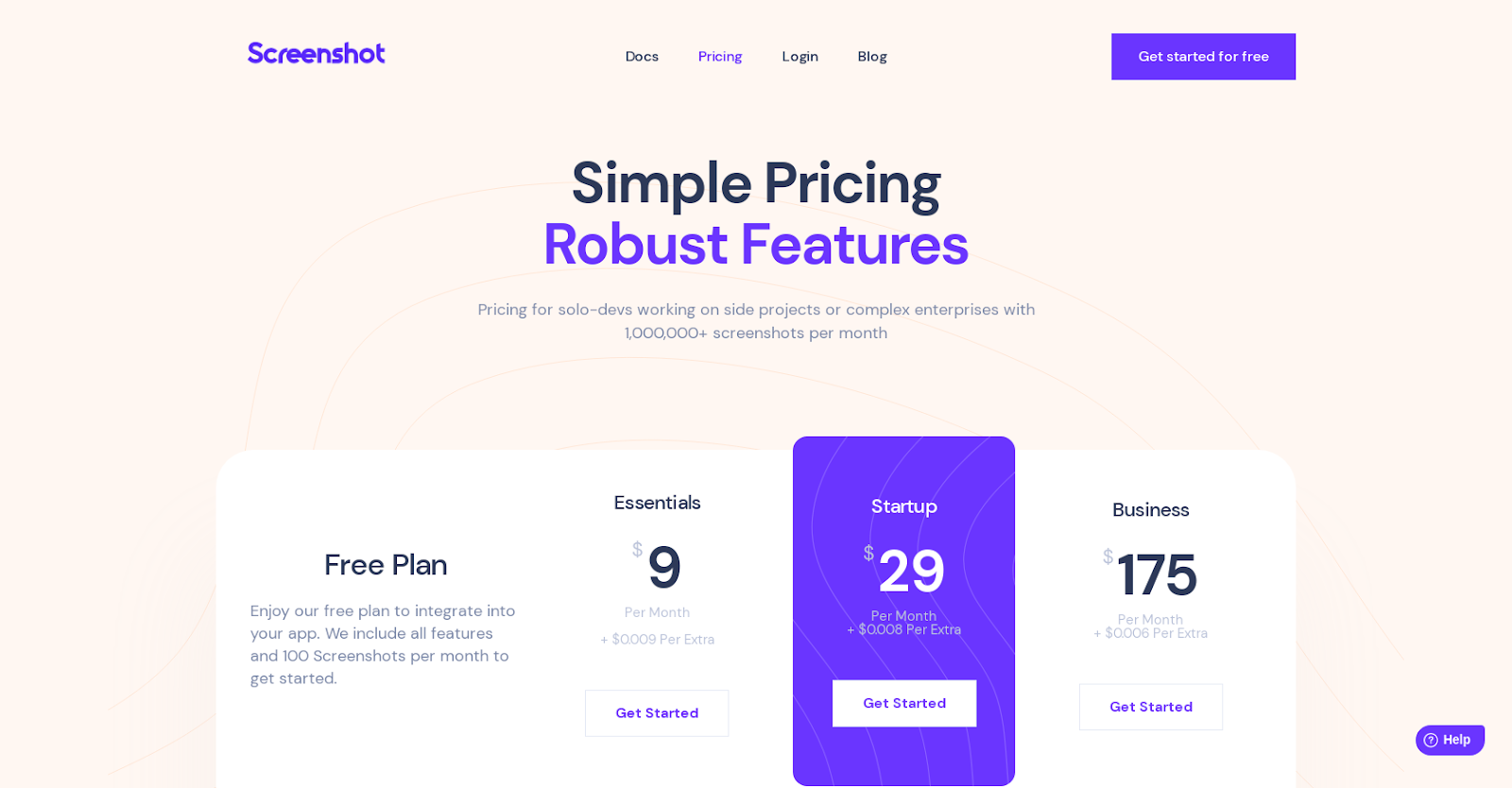
(Taken with ScreenshotAPI. Imagine getting this to your inbox weekly, so you know exactly when that price goes up or down!)
Apart from pricing, taking regular screenshots with ScreenshotAPI can also keep you up to date with any offers or promotions your competitors are running. And by using ScreenshotAPI, you’re not limited to their websites. You can also track these offers on other sites, blogs, and even social media.
You can respond by creating better promotions and offering more generous discounts. As a result, you can respond with sharper offers, which helps you win price-sensitive customers instead of losing them.
Simply use ScreenshotAPI to take regular screenshots of your competitors’ product pages. You’ll always know when they introduce new products or features.
By doing this, you’ll learn how their products and features compare to your offering. Do you need to improve? Offer a new plan? Add a new feature? Competitor tracking will show you so you make your offer more competitive.
Effective competitor tracking is not only about knowing what products and features your competitors offer. It’s also knowing customers’ feedback and opinions about these products.
With ScreenshotAPI, you can continuously monitor reviews to learn what customers say about your competitors’ products. You’ll know what they’re doing well, where they fall short, and how well their products solve their customers’ problems.
Spotted a gap your competition isn’t filling? It may be time to write a ticket and get to launching!

Apart from product pricing, offers, launches, and reviews, ScreenshotAPI also allows you to monitor your competitors’ websites for changes. You’ll see what design changes they make, how they optimize their content, and what strategies they use to increase conversions.
Can you do one better? We bet you can! With up-to-date information, you’ll know exactly what to change on your website and which strategy can be enhanced to bring in even more conversions to your business.
Example capture request:
curl "https://api.screenshotapi.net/screenshot?url=https://competitor.com/pricing&full_page=true" -H "Authorization: Bearer YOUR_API_KEY" --output competitor-pricing.pngPython version:
import requests
params = {"url": "https://competitor.com/pricing", "full_page": "true"}
headers = {"Authorization": "Bearer YOUR_API_KEY"}
r = requests.get("https://api.screenshotapi.net/screenshot", params=params, headers=headers)
open("competitor-pricing.png", "wb").write(r.content)| Page type | Suggested cadence | Why |
|---|---|---|
| Pricing page | Daily | Prices and tiers change often and matter most |
| Feature or product page | Weekly | Launches show up here before a changelog |
| Homepage | Weekly | Headline shifts signal repositioning |
| Legal or terms page | Monthly | Rare changes, but important to log |
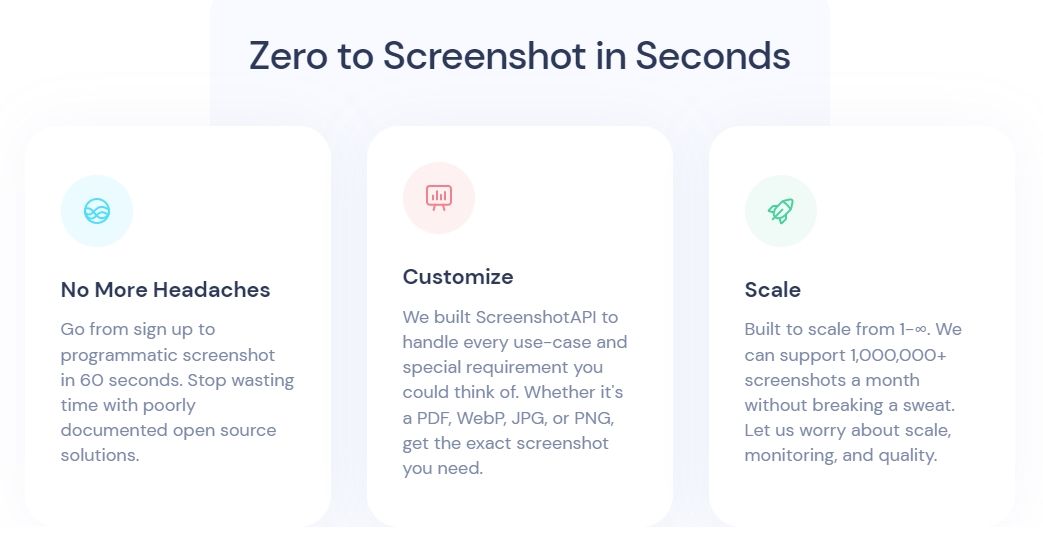
Get a leg up on the competition with ScreenshotAPI. Made for quick, programmatic screenshot-taking, ScreenshotAPI is your aide in delighting even more customers. Start tracking your competitors now and generate more revenue!
Get your first 100 screenshots for free!
Capture fast-moving pricing pages daily and slower pages such as feature and about pages weekly.
Capturing public pages for internal research is generally low risk, though courts continue to shape the boundaries around public-web collection. Risk concentrates on pages behind a login or an NDA and on personal data under GDPR or CCPA, so avoid those and consult counsel for your situation.
Run a pixel diff between the newest capture and the previous one, and trigger an alert when the changed area crosses a threshold you set.


